Products
Entegretzy
Bring your Trendyol, Hepsiburada and N11 orders into one panel; issue e-Arşiv/e-Fatura invoices in one click, send them to the marketplace and get packages ready to ship.
All products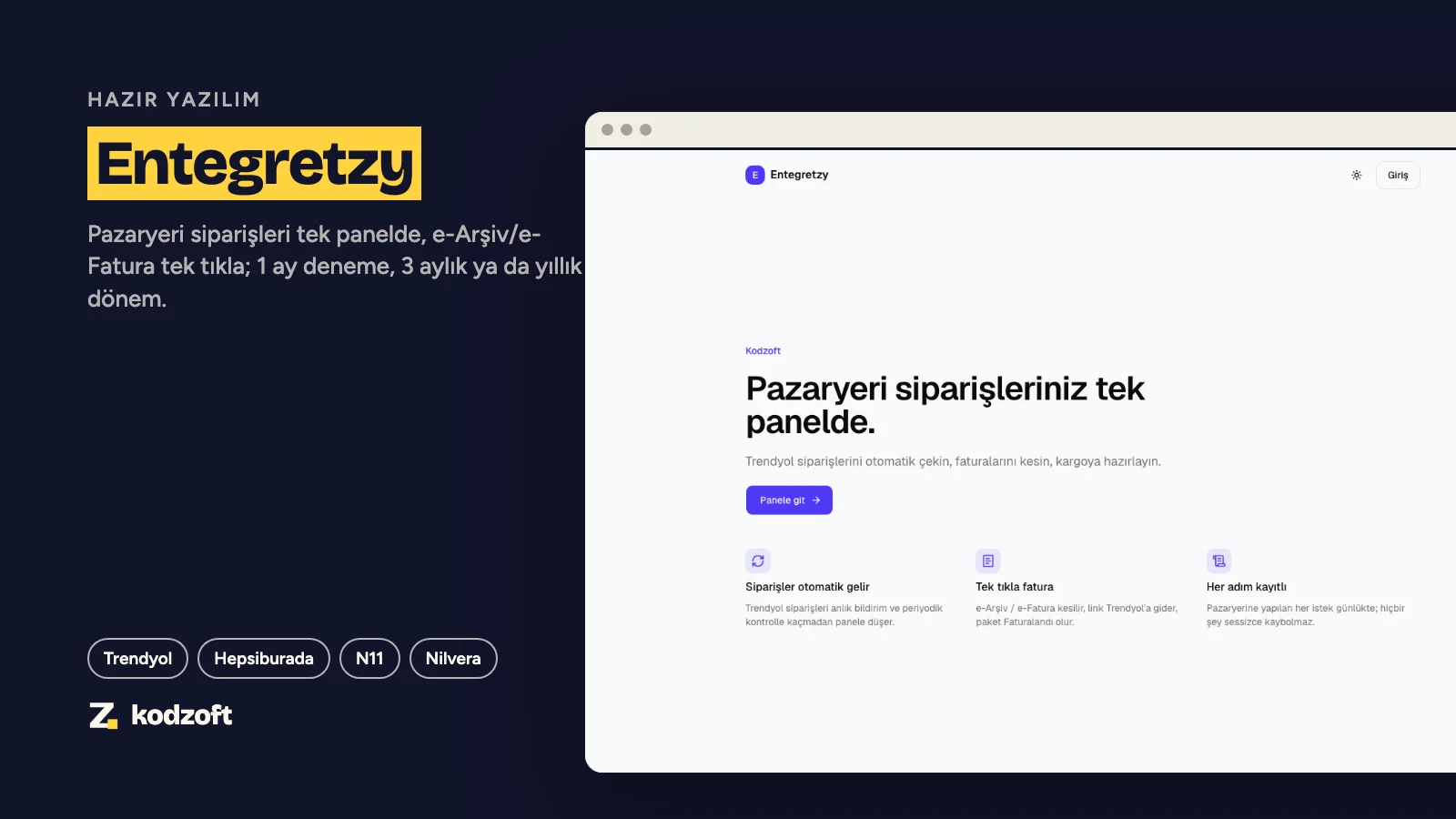
Plans and prices
What is included
- Trendyol (instant webhook + a check every 2 minutes), Hepsiburada and N11 orders in one list; no order slips through
- One-click invoicing: e-Fatura if the buyer is registered, e-Arşiv otherwise; the PDF link is sent to the marketplace and the package becomes “Invoiced”
- Invoices are issued from your own Nilvera account and credits; nothing is issued if the amount differs from what the buyer paid, and no order is ever invoiced twice
- Every marketplace request is logged; e-mail alerts when credentials are rejected, orders cannot be fetched or the e-invoice key fails
- Bulk invoicing, order filters, quick search (Ctrl+K), sales chart; light and dark themes
- Sign in with your Kodzoft account; marketplace and e-invoice keys are stored encrypted, data is isolated per store
- Not included (on the roadmap): stock and price sync, XML product feeds, returns management, dynamic pricing
Details
Who it is for
Businesses selling on Trendyol, Hepsiburada or N11 that go back and forth between marketplace panels and accounting software every day to invoice orders. Entegretzy fetches the order, issues the invoice, passes the link to the marketplace and gets the package ready to ship.
How it works
Marketplace connection: seller ID and API key for Trendyol, merchant ID and service key for Hepsiburada, app keys for N11, all entered in the panel.
Orders arrive on their own: from Trendyol instantly via webhook plus a safety check every 2 minutes; from Hepsiburada and N11 every 2 minutes.
When you click “Issue invoice”, the package is set to picking on the marketplace, the invoice is issued through Nilvera, the PDF link is sent to the marketplace and the package becomes invoiced. Every step is recorded; retrying never issues a second invoice.
If something goes wrong (credentials rejected, orders not fetched, invalid e-invoice key) the store owner gets an e-mail, at most once a day per alert.
Getting started
After purchase, sign in at entegretzy.kodzoft.com with your Kodzoft account; there is no separate password.
Enter your marketplace connections and your Nilvera e-invoice key under Connections and Invoice Settings; keys are validated before they are saved.
We are with you for your first orders and your first invoice: an onboarding call is included.
Plans
One plan, with no limit on marketplaces or order count. Try it with a 1-month period (once per customer), then continue with a 3-month or yearly period. Periods do not renew by themselves: your card is not stored, we remind you as the period end approaches, and you renew from your account if you want to continue. E-invoice credits come from your Nilvera account and are not included in the price.
Good to know
A Nilvera account is required (e-Arşiv or e-Fatura registration). Turkish e-Arşiv invoices for online sales must state the carrier’s legal name and tax number; you enter these once in Invoice Settings. 0% VAT lines are not supported yet. Your data belongs to you; even after the subscription ends you can request a copy of your records.